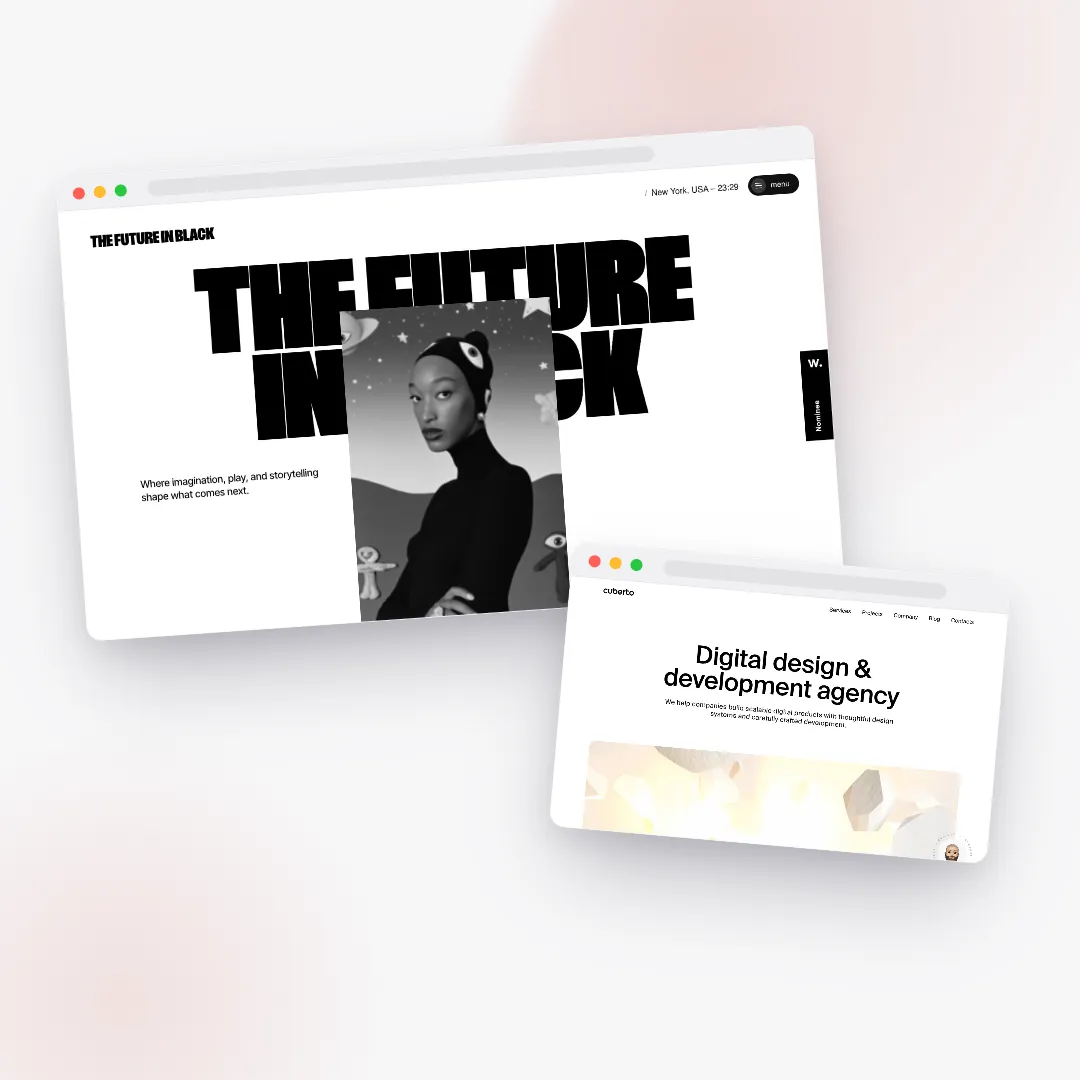
An online store looks expensive when it commits to one visual world — a single type pairing, a mostly-neutral palette with one rationed accent, a faint texture, and generous, consistent space — and lets that world carry every page. It looks AI-generated when it mixes three half-committed worlds at once: a default blue gradient, three identical icon cards, untracked headlines, mixed corner radii, and cramped, arbitrary spacing. The difference is almost never budget. It is a short list of small, learnable decisions about type, color, texture, and layout that anyone can apply on purpose.
This is a field guide to those decisions: the tells that make a storefront read as premium, and the opposite tells that scream "made by a tool that did not know any better." None of it requires talent you do not already have. It requires committing to a few rules and refusing to break them.
- Commit to one world. One type pairing, one color palette, one layout language, one texture. If you cannot describe it in a single phrase, you have not committed.
- Type carries the most signal. Pair across contrast classes, track display type tighter and small caps looser, and size everything from a real modular scale.
- Luxury is mostly neutral. Near-black ink, warm off-white paper, one accent on under ten percent of the surface.
- Texture sells. A whisper of film grain, layered soft shadows or no shadow at all, and a single committed corner radius.
- Space is the budget. Snap everything to an 8-point grid, give sections room to breathe, and keep fewer than about seven things competing per screen.
- Accessibility and premium agree. Body text at 4.5:1 contrast (AA), 7:1 (AAA) in long reading blocks — near-tones still clear these easily.
- The AI average is "a clean modern website." Specificity reads expensive; the generic default reads templated.
Why does my store look cheap?
Two online stores can sell the same product, cost the same to build, and load at the same speed — and one will feel like a luxury boutique while the other feels like a free template someone filled in. When people ask why their store looks cheap, they usually assume the answer is money, or a missing custom illustration, or a fancier theme. It almost never is. The reason a store looks cheap is that no single decision was made and held to. The page is a committee of defaults.
Think about what "default" actually produces. The font is whatever the theme shipped with, at whatever spacing the browser chose. The blue is the framework's stock blue. The cards all have the same drop-shadow because that shadow was copied from a tutorial. The spacing is whatever looked roughly fine in the moment — 23 pixels here, 37 there. Each individual choice is defensible. Together they read as machine-made, because there is no through-line. The cure is not more decoration. It is fewer, more deliberate decisions.
As the studios behind award-winning storefronts demonstrate — a theme we pulled apart in what award-winning sites teach us — the most admired stores on the internet are not the busiest. They are the most decided. Most of their choices are subtractions.
What makes a store look expensive? Commit to one world
The first and most important rule is the one almost nobody follows: a premium storefront commits to a single visual world — one type pairing, one color palette, one layout language, one texture treatment — and ships it as a complete, coherent preset. The generic look comes from mixing three half-committed worlds in the same page: a little corporate blue here, a trendy gradient there, a luxury serif fighting a techy sans, soft rounded cards next to sharp editorial type. Each piece might be fine in isolation. Stacked together with no governing idea, they read as indecision.
Here is a fast test. Can you describe your store's world in one phrase? Strong answers sound like:
- "Warm ivory paper, charcoal ink, one forest-green accent, a high-contrast serif over a clean sans, an asymmetric split layout, faint film grain."
- "Stone and greige minimalism, almost no color, a soft old-style serif, a centered single column with huge margins, no shadows — just hairlines and air."
- "Paper-white and ink-black gallery, one electric-blue accent on five percent of the page, a single grotesque used from giant headline to tiny caption."
Each of those is a world. You can picture it. "A clean modern website" is not a world; it is the AI average — the statistical center that a generator lands on when no one points it anywhere specific. If you cannot name your world, the page will look like it was assembled rather than designed. Commit first, then every later decision becomes easy because the world decides for you.
What fonts look premium? Typography is where the money shows
Type is the single highest-leverage thing on the page, and it is where amateurs and professionals diverge fastest. You can get the color and layout merely competent, but if the typography is set with care, the whole store lifts. A handful of rules separate "designed" from "default."
Pair across contrast, never within a class
Two fonts work together when they differ on purpose. Pair a high-contrast serif with a low-contrast sans, or a geometric sans with a humanist serif. Pairing two grotesques, or two old-style serifs, reads as an accident — the eye cannot tell whether the mismatch was intended. Some pairings have become premium shorthand precisely because they obey this rule:
- Editorial Luxe — a dramatic high-contrast serif like Playfair Display or Fraunces over neutral Inter. Reads fashion, beauty, jewelry — and it is free.
- Quiet Confidence — a warm old-style serif (Fraunces at a soft optical size) over a humble sans. Reads boutique, artisanal, food and wellness.
- Modern Grotesque — an expressive contemporary grotesque headline grounded by a plain workhorse sans. Reads DTC, homeware, tech-lux.
Never run more than two families on a store — plus, at most, a monospace reserved for prices and spec tables. And if you are unsure, do not pair at all. A single disciplined typeface, using weight, size, and tracking to build its whole hierarchy, reads more premium than a bad pairing. The award-winning sites we studied lean on one family pushed to an extreme range far more often than people expect.
Track your type: the highest-leverage detail
Letter-spacing — tracking — is the quiet professional tell. The rule is counterintuitive but absolute:
- Big display headlines need negative tracking. Tighten large type roughly −0.02em to −0.03em so the letters lock into a solid, confident mass. Left at default, huge headlines look loose and untracked — the number-one giveaway that no one made a decision.
- All-caps labels need positive tracking. Eyebrows, nav, and small caps want +0.08em to +0.16em or they become an unreadable, amateur smear. All-caps without added spacing is an instant tell.
- Body text stays at default (0em). Paragraphs do not want tracking; they want the right line-height instead.
Pair that with leading (line-height): around 0.95–1.05 on big display type so it reads as one tight block, and around 1.5–1.65 on body — 1.6 is the editorial sweet spot — for comfortable reading. Defaults everywhere (0 tracking, browser-standard leading) are the single most common reason type looks generated.
Use a real modular scale
Professionals do not eyeball font sizes. They pick a modular scale — a musical ratio — and derive every step from it, so the sizes relate to one another the way notes in a chord do. Three scales cover almost every store:
- Perfect Fourth (1.333) — dramatic and hero-led, with lots of whitespace. Steps land near display ~81px, h1 ~61px, h2 ~45px, h3 ~34px, body 16px. Best for single-product, beauty, fragrance.
- Major Third (1.25) — balanced, the safe default for storefronts. Hero clamps to about 48–76px, h1 ~49px, h2 ~39px, a 20px lead, 16px body.
- Minor Third (1.2) — dense and tidy, for spec-heavy product pages and dashboards.
Keep body around 16 to 18 pixels — luxury skews higher — with a measure (line length) of 60 to 75 characters. Never let body text run full-bleed across a wide screen; it becomes exhausting to read past about 90 characters. And use CSS clamp() so only the very top of the scale (display and h1) scales fluidly with the viewport while body stays fixed. A real scale is invisible when it works and glaring when it is missing — eyeballed sizes always look slightly off, even if you cannot say why.
What colors look luxury? Mostly neutral, with one rationed accent
Expensive palettes are quieter than people expect. The instinct of a new store owner is to add color to look exciting; the instinct of a luxury brand is to remove it. Structure your palette around four roles rather than a list of favorite colors:
- Anchor — a near-black or very deep tone for text, footers, and dramatic blocks. Rarely pure black.
- Surface — the light "paper" the site sits on. A warm off-white beats pure white.
- Neutral — a mid-tone for borders, dividers, secondary text, and muted fills.
- Accent — the one saturated color, your brand color, used on under ten percent of the surface: calls-to-action, links, small highlights, the occasional foil.
The neutrals carry the page; the accent merely punctuates it. That is exactly how a bold color stays both striking and accessible — it is rationed, not spread thin into low-contrast pastel-on-pastel. A great trick when building from a brand color is to let the accent slot into that one role and keep anchor, surface, and neutral from a coherent preset, so the world stays intact and only the accent changes. If you are choosing a palette from scratch, a tool like the color palette generator can hand you a harmonized set to drop those roles into.
Contrast: where premium and accessibility agree
Two details do a surprising amount of work, and both happen to be accessibility wins as well as taste wins:
- Avoid pure black on pure white. True
#000on#fffvisually vibrates and reads cheap. A near-black ink (around#0A0A0Aor#191615) on a warm off-white (around#F9F6F4or#FAFAF8) looks softer and more printed — and still clears the highest contrast ratios, around 15:1 to 18:1. - Keep text on neutrals, not on the accent. Body text belongs on surface or anchor, never floating on a saturated fill unless that combination genuinely passes contrast.
The accessibility numbers here are not opinions; they come from the Web Content Accessibility Guidelines (WCAG). Body text needs a contrast ratio of at least 4.5:1 to meet level AA; large text (24px, or 19px bold) needs 3:1. The stricter AAA level asks for 7:1 on body text, which is worth targeting in long editorial reading blocks. The happy coincidence is that the "expensive" near-black-on-off-white combination sails past even AAA, so you almost never have to choose between looking good and being readable. You get "loud" from placement — a vivid accent on a small, well-chosen area — not from washing everything in color. Hold to three to five tones per page (anchor, surface, one or two neutrals, one accent); more than one saturated hue at full strength is template chaos.
What textures make a store look premium?
Texture is the part most people never think about, and it is the fastest way to move a flat page toward "printed, photographed, expensive."
A whisper of grain — the single biggest upgrade
The most effective expensive upgrade is one almost no one considers: a faint film grain laid over the whole page. A barely-there noise layer — subtle enough that you would not consciously register it — unifies flat color fills, kills the visible banding inside gradients, and evokes film and print. It is the texture sitting on top of most award-winning storefronts. The entire art is in restraint: very low opacity, in the range of three to six percent, reads as luxe; push it past about ten percent and it reads as grungy and cheap. Keep the grain monochrome and fine rather than blotchy. Done right, no visitor will ever point to it — they will just feel that the page has a surface instead of being a slab of flat hex values.
Shadows: layered and soft, or gone entirely
Shadows are the next tell, and they split cleanly into cheap and expensive:
- Cheap: a single hard drop-shadow — something like
0 4px 6px rgba(0,0,0,.3)— stamped on every card. It is the framework default, and it reads as the framework default. - Expensive, option one: no shadow at all. Separate elements with whitespace, hairline borders, and subtle background-tone shifts instead. Flat and spacious beats drop-shadowed and crowded, and it is the dominant editorial-luxe move.
- Expensive, option two: a soft shadow built from two or three stacked layers — each with a larger blur radius and a lower opacity than the last, and tinted toward the page's own dark tone rather than a flat blue-gray. Stacked, rising-blur, falling-opacity shadows mimic how real light actually falls, so they look soft instead of stamped.
Corners and hairlines: pick one and commit
Hairline borders — a single pixel of neutral at roughly ten to fifteen percent over the surface — are a genuine luxury signal. They divide and outline more crisply than a shadow can, and they cost nothing. Pair them with corner-radius discipline: pick one radius and hold to it. Sharp 0–4px corners read editorial and expensive; a single soft 8–12px radius reads friendly and modern DTC. The dead giveaway of a generated page is mixed radii — rounded cards beside slightly-less-rounded buttons beside fully-rounded pills, with no system behind any of it. (Full pills are fine for tags and eyebrows specifically; just do not let them leak into everything.) Gradients follow the same logic: subtle tonal shifts within a single hue, always topped with that grain layer to prevent banding, read expensive; a full-saturation blue-to-purple "AI gradient" with visible banding reads generated.
How much white space should a store use?
More than feels comfortable at first. Whitespace is the cheapest premium signal there is and the one most consistently ignored, because an empty area always tempts you to fill it. Resist. The discipline has three parts.
Snap everything to a grid. Use a geometric spacing scale — 4, 8, 12, 16, 24, 32, 48, 64, 96, 128, 192 — and make every margin and padding land on it. This is the 8-point grid that most design systems run on, and it is the reason professional layouts feel calm: the rhythm repeats. Arbitrary values like 23 or 37 pixels scattered around the page are a quiet signal that nothing was measured. Section vertical padding should run generous on desktop — roughly 96 to 192 pixels between major sections, with luxury skewing to the high end — and tighten to 56 to 80 on mobile.
Pick a layout language and let it breathe. A few named systems cover most stores:
- Centered-luxe — a single centered column with wide outer margins and one element breathing per viewport. Formal, elegant, perfect for single-hero-product brands.
- Asymmetric split — a two-zone layout that is deliberately not 50/50, but something like 58/42 or 64/36, with image on the larger side and tightly-tracked type on the smaller. Asymmetry creates tension and energy; it is ideal for product and about pages.
- Editorial broken grid — an underlying 12-column grid that elements deliberately overlap and cross. It feels designed precisely because it keeps a grid to break against. Random is not the same as broken — the broken elements must still relate to grid lines, and you want only one or two break moments per page, not chaos in every block.
- Bento-curated — a tidy grid of unequal tiles, each a self-contained card, with equal gaps and one radius. Modern DTC homepages live here. Never strand a single lone tile in a row; pad it with a brand or call-to-action tile instead.
Reduce what competes. Aim for fewer than about seven distinct things fighting for attention in any single screen. When a section feels off, the fix is almost always the same instinct: add air and remove an element. Whitespace is not wasted space; it is the frame that tells the eye what matters.
Why does my store look AI-generated? The instant tells
Generated pages share a recognizable fingerprint because generators, left ungoverned, converge on the same statistical average. If a store trips these, it reads as machine-made:
- A generic blue or purple gradient standing in as the brand color.
- Three identical feature cards with identical icons in one perfect, evenly-spaced row — every time.
- Default letter-spacing on huge display headlines, so they look loose and untracked.
- All-caps labels with no positive tracking, cramming the letters together.
- Mixed corner radii with no system — rounded cards, semi-rounded buttons, full pills, all at once.
- A single hard drop-shadow stamped on every card.
- Pure black text on pure white, with no warmth, no tone, and no grain.
- Arbitrary, cramped spacing and even, identical vertical padding everywhere.
- Stock photography with no consistent crop, tone, or treatment from one image to the next.
- Two fonts from the same class fighting each other, or three or more families on one page.
- Body text running the full width of a wide screen, past 90 characters a line.
What is striking is how short the fix list is. Every tell above collapses into the same four instincts: commit to a world, ration the accent, track the type, and add air. A page that does those four things consistently cannot look generated, because consistency is exactly what a default lacks. This is also why motion has to sit on top of a correct foundation rather than substitute for one — a point we go deeper on in motion that sells.
A practical checklist to make your website look expensive
If you want to audit a store you already have, run it against the signals professionals aim for. Each line is a yes/no:
- Can you name the store's world in one phrase? (One type pairing, one color world, one layout, one texture.)
- Is the ink a near-black and the paper a warm off-white, rather than pure
#000and#fff? - Do display headlines have negative tracking, and do small caps have positive tracking?
- Is body text 16–18px, line-height ~1.6, line length 60–75 characters?
- Are the sizes derived from a modular ratio rather than eyeballed?
- Is the accent confined to under ten percent of the surface, with neutrals carrying the rest?
- Does body text meet at least 4.5:1 contrast (AA), ideally 7:1 (AAA) in reading blocks?
- Is there a faint grain layer (3–6% opacity) unifying the page?
- Are shadows either absent (with hairlines and air doing the work) or soft and layered?
- Is there exactly one corner radius and one spacing scale, enforced everywhere?
- Does spacing snap to an 8-point grid, with 96–192px between desktop sections?
- Is there at least one intentional asymmetry or broken-grid moment, instead of a wall of equal cards?
- Do all the photos share a tone, crop ratio, and treatment?
- Is hierarchy carried by size, weight, and space — not by piling on more colors?
Most struggling stores fail half of these, and the failures cluster: the type is untracked and the spacing is arbitrary and the accent is everywhere. That is good news, because fixing the cluster fixes the feel. You do not need a redesign. You need to make a handful of decisions and hold them across every page. For a sense of how these rules turn into actual store sections — collections, product pages, hero blocks — see what Zentrix designs for you.
How Zentrix builds with this
Every rule in this guide is wired into how Zentrix's AI designs a store, because these are the rules a senior designer runs by hand — and the whole point of Zentrix is to run them automatically on every page. It will not hand you three identical cards and a default gradient. It commits to one coherent world for your brand, pairs type across contrast axes, sizes everything from a real modular scale, rations your brand color to where it counts, lays a whisper of grain over the whole page, enforces a single radius and spacing scale on an 8-point grid, and gives every section room to breathe — all while keeping body text above the contrast bar so the result is both beautiful and accessible. That is the difference between a store that looks templated and one that looks worth the price. Build your store and see it for yourself, or explore everything Zentrix designs for you.
Frequently asked questions
How do I make my website look more expensive?
Commit to one visual world and hold it across every page: a single type pairing, a mostly-neutral palette with one accent used on under ten percent of the surface, a faint grain texture, and generous space snapped to an 8-point grid. The biggest quick wins are tracking your headlines tighter, switching pure black-on-white to near-black on warm off-white, and adding whitespace by removing elements.
What fonts look premium?
Pairings that contrast across classes look premium — a high-contrast serif like Playfair Display or Fraunces over a clean sans like Inter, or a geometric sans over a humanist serif. Never pair two fonts from the same class, and never use more than two families. A single disciplined typeface used across a wide range of sizes and weights beats a bad pairing every time.
Why does my store look AI-generated?
Because it has converged on the default average: a stock blue or purple gradient, three identical icon cards in a row, untracked headlines, mixed corner radii, one hard drop-shadow on everything, and pure black on pure white. Generators land there when no specific world is chosen. Pick one committed world, ration the accent, track the type, and add space, and the generated look disappears.
What colors look luxury?
Luxury palettes are mostly neutral: a near-black anchor, a warm off-white surface, a mid-tone neutral for borders, and exactly one saturated accent. Keep the accent to under ten percent of the page and let the neutrals carry it. Warm ivory with one deep accent, stone-and-greige minimalism, or paper-white with a single jewel tone all read as expensive.
How much white space should a store use?
More than feels natural at first. Use generous vertical padding between sections — roughly 96 to 192 pixels on desktop, tightening to 56 to 80 on mobile — and snap every margin to an 8-point spacing scale. As a rule of thumb, keep fewer than about seven things competing for attention per screen, and when a section feels off, add air and remove an element.
What is the easiest way to make a store look more premium?
Add a faint film-grain layer over the whole page at three to six percent opacity. It unifies flat colors, removes gradient banding, and evokes print and photography, and most visitors will feel the upgrade without being able to name it. Keep it subtle — past about ten percent it reads grungy and cheap rather than luxe.
What contrast ratio does body text need to be readable?
The WCAG guidelines require at least 4.5:1 contrast for body text to meet level AA, and 3:1 for large text (24px or 19px bold). Targeting the stricter AAA level of 7:1 is worth it in long reading blocks. Conveniently, the premium look of near-black ink on warm off-white clears even AAA, so looking expensive and being readable are the same decision.
Should I use drop-shadows on product cards?
Not the default single hard drop-shadow that frameworks ship — it is one of the clearest "cheap" tells. Either remove shadows entirely and separate cards with whitespace and one-pixel hairline borders, or use a soft shadow built from two or three stacked layers with rising blur and falling opacity, tinted toward the page's dark tone. Flat and spacious almost always beats drop-shadowed and crowded.