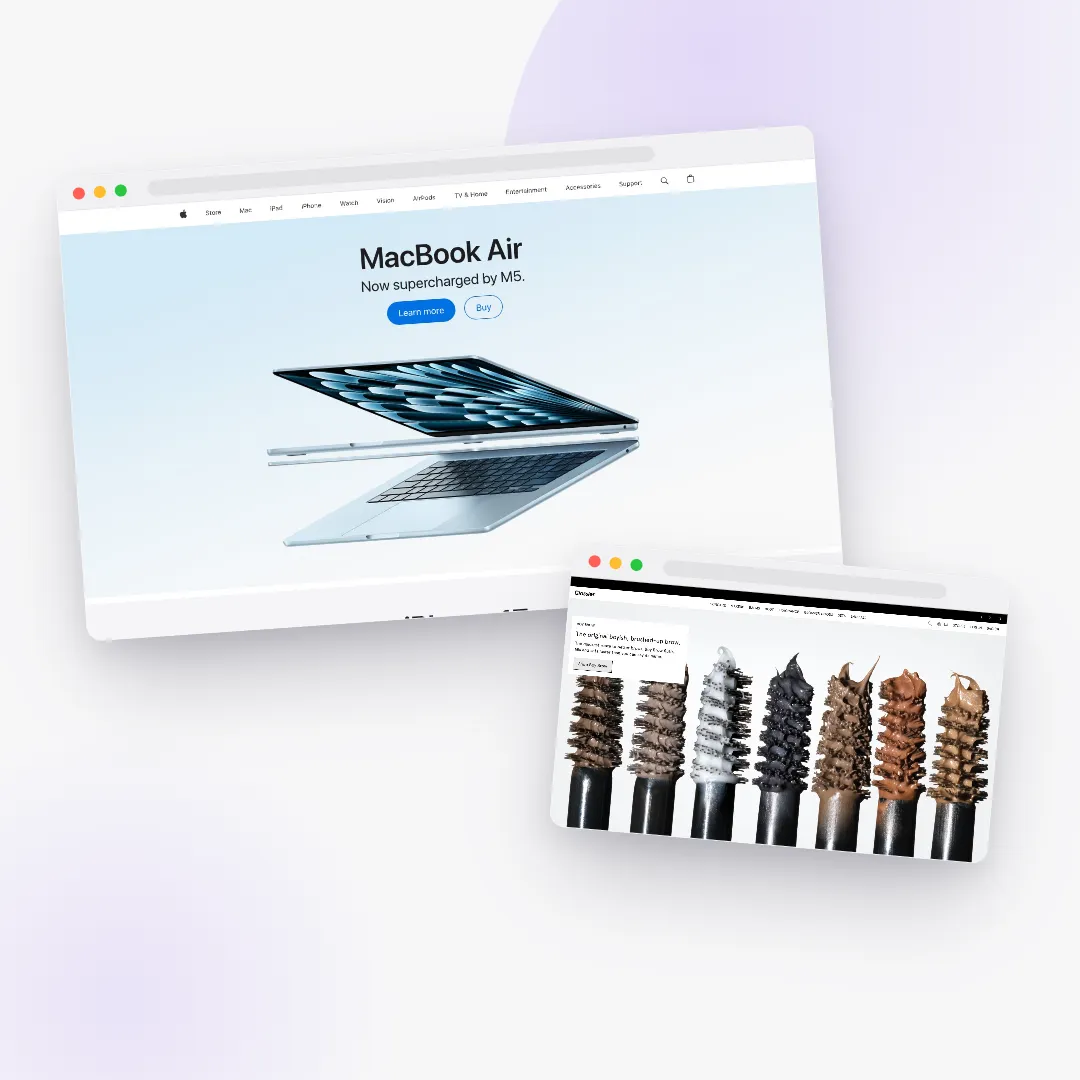
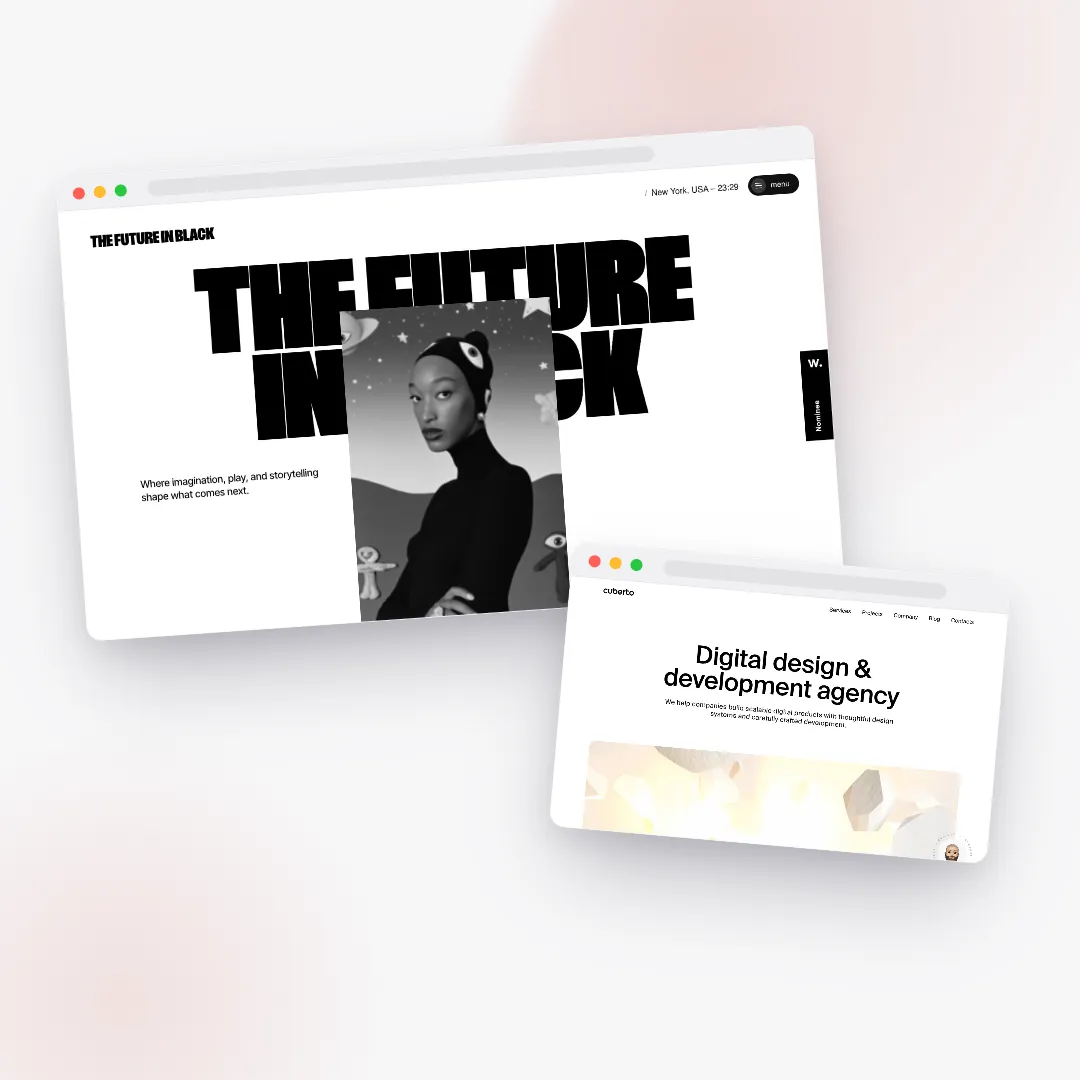
Scroll animation can help or hurt sales — and which one you get is almost entirely a matter of order, not taste. Done as a layer over a fast, shoppable page, motion reliably raises how premium a store feels and how long people stay. Done as the page itself — gating the hero, hiding the price, hijacking the scroll — it slows the path to purchase and quietly costs you the sale. The research is consistent: scroll effects lift perceived quality far more reliably than they lift conversion, and careless motion often delays time-to-buy.
So the useful question is never "more motion or none?" It is "what is motion allowed to touch?" This is a working guide to the scroll-animation patterns that read as expensive, a single intensity dial you can reason about, the performance and accessibility budget that keeps an animated store fast, and the conversion guardrails that make sure none of it ever buries your buy button.
Key takeaways
- Motion is a layer, not a foundation. Build a conversion-correct page first, then animate over it. The skeleton — price, primary call-to-action, add-to-cart — is fixed; motion is a dial on top.
- The cheap effects do most of the work. Smooth scrolling plus a gentle staggered reveal-on-enter deliver the bulk of the "made by professionals" feeling at almost zero performance cost.
- Scroll effects raise perceived quality more than conversion. Treat the spectacular patterns as toppings — wonderful in moderation, ruinous in excess.
- Never animation-gate the buy path. The hero, the price, and add-to-cart must be visible on first paint, never faded in by JavaScript.
- Animate only transform and opacity. Those ride the GPU and keep Core Web Vitals healthy; animating layout properties causes jank and shifts.
- Respect reduced motion and mobile. When a device asks for reduced motion, skip the smooth-scroll layer entirely and show every element in its final state. On phones, keep native scrolling untouched.
- Performance is part of the design. A fast product page converts dramatically better than a slow one, so motion can never be the reason the buy-box paints late.
Does scroll animation hurt conversion?
Not inherently — but it is one of the easiest ways to hurt conversion by accident. The honest framing, supported by usability and conversion-rate practitioners, is that scroll effects are very good at making a site feel high-end and very unreliable at moving the metrics you actually care about. They can even work against you when they delay content, trap the scroll, or push the heaviest work onto a phone. The agency Clutch catalogued a whole list of common animations that depress conversion in its piece on web animations that hurt conversion rates, and the pattern across all of them is the same: the motion got in the way of the task.
That is the key word — task. A visitor on a storefront has come to do something: understand what you sell, decide if it is for them, and buy. Every animation either serves that task or competes with it. Reveal-on-enter that gently brings a section into view as you reach it serves the task; it adds polish without adding friction. An intro sequence that holds the page hostage for two seconds before showing the headline competes with the task, and it usually loses.
So scroll animation does not hurt conversion the way sugar hurts teeth — automatically, in proportion to dose. It hurts conversion the way furniture hurts shins — only when it is in the wrong place. Get the placement right and the same motion that could have sabotaged the sale becomes the thing that makes the store feel worth the price. For more on what "worth the price" looks like visually, see our teardown of what makes a store look expensive.
What scroll animations actually help sales?
Here is the freeing part: the effects that contribute most to the premium feel are also the cheapest and the safest. You do not need the showpieces to get the feeling.
The floor: smooth scroll plus a staggered reveal
Two gentle techniques carry the bulk of the "this was made by a studio" impression. The first is smooth, weighted scrolling — a slight inertia under the whole page (the effect behind smooth-scroll libraries like Lenis) so the page glides instead of snapping line to line. The second is a staggered reveal-on-enter: elements fade up a few pixels as they reach the viewport, with siblings cascading a beat apart so a grid feels choreographed rather than dumped on screen.
That is the floor, and it is nearly free. The cleanest way to build reveals is with an IntersectionObserver — a browser API that tells you when an element enters view — rather than wiring a separate scroll trigger to every single element, which gets expensive at scale. You observe an element, animate it once when it appears, then stop watching it. The page stays light, and the effect reads as confident restraint.
The toppings: showpieces that earn their place
Everything fancier sits on top of that floor as an optional topping:
- Pinned storytelling — a section sticks to the screen while its inner content animates through "scenes" as you scroll. The hero "wow," used sparingly.
- Horizontal scroll galleries — vertical scrolling translates a row of panels sideways, ideal for a lookbook or a process walk-through.
- Parallax — background layers drift slower than the foreground to suggest depth (built from transforms, never from repainting a background position).
- Text masks — headline lines wipe up from behind an invisible edge, like type rising into place.
- Image-sequence scrub — a product rotates or unfolds frame by frame as you scroll. The most expensive pattern on the menu, in every sense.
- Marquees, magnetic buttons, velocity skew, counters, and color-world morphs — accents that add life when they are rationed.
The mistake nearly every ambitious store makes is to begin with the toppings and forget the floor, then wonder why the page feels frantic instead of refined. Build the calm foundation first. Reach for a showpiece only when a specific moment genuinely earns one — a hardware product whose feature really benefits from unfolding, a fashion lookbook that wants a cinematic horizontal pass. When a powerful tool like GSAP ScrollTrigger is on the table, the discipline is knowing which ninety percent of its capabilities to leave switched off.
How much motion is right? The subtle–balanced–bold dial
The cleanest mental model is a single dial with three settings, matched to what you sell. Think of it as a craft dial, not a feature toggle: turning it up should change the character of the motion, never the structure of the page.
Subtle
Reveals, a sticky buy-box, masked headings — and nothing that pins or hijacks the scroll. Durations are snappy, easing is gentle, parallax is barely there. It reads as expensive minimalism. This is the right setting for high-trust, fast-purchase, or accessibility-sensitive stores: supplements where clarity beats spectacle, anything where the buyer wants the facts now and the theater never.
Balanced
The sensible default. It keeps the subtle floor and adds light parallax, a marquee, and magnetic buttons on desktop. It is lively but never blocks reading, and it suits the broad middle of commerce — everyday goods, tools, consumer packaged goods, and most B2B. Motion here is felt more than noticed.
Bold
The showpiece. Pinned storytelling, horizontal galleries, velocity-driven skew, and the occasional gated image sequence. Easing gets more dramatic, staggers feel more choreographed, and the whole thing reads as a desktop experience that steps down gracefully on phones. Reserve it for fashion, beauty, and launch moments — where the imagery is the product and a cinematic scroll is part of the pitch. Our anatomy of a jaw-dropping storefront is a tour of what this setting looks like at full volume — and how to keep it shoppable.
There is one rule that governs the entire dial: turning it up may only intensify effects on non-critical elements. It can add motion to decorative layers, secondary headings, background panels, and image galleries. It can never move, hide, delay, or shrink the path to purchase. That is the whole philosophy in a sentence — the conversion skeleton is fixed; motion is a dial on top of it.
What is the conversion skeleton motion must never touch?
If you remember one section of this guide, make it this one. Underneath any amount of art, every storefront page is built on a small, non-negotiable skeleton. Motion is allowed to dress the skeleton. It is never allowed to be the skeleton, and it is never allowed to obstruct it.
The skeleton, on a product page, is short:
- The product title and main image are visible above the fold, on first paint, without scrolling and without waiting on JavaScript.
- The price is right there with them — never revealed late by a scroll trigger, never faded in from zero opacity.
- The primary call-to-action and add-to-cart sit above the fold and stay reachable. On desktop that often means a buy-box that stays in view as the gallery scrolls; on mobile it means a sticky add-to-cart bar pinned to the bottom of the screen.
- The rating or trust line sits directly under the call-to-action, so the reassurance arrives at the moment of decision.
- Reviews and key specs render inline — in the flow of the page, not hidden behind an animated tab. Tucking them away can cut their visibility sharply, and a buyer who cannot find the reviews is a buyer reaching for the back button.
Notice what this implies for motion. A reveal animation may bring the gallery images up as you scroll, because images are not the skeleton — but it may never bring the price up, because the price is. A pinned hero may animate a background layer, but the headline that explains what you sell has to be legible the instant the page paints. A blend-mode effect that inverts type against the photo behind it is a lovely decorative touch — and it must stay strictly decorative, never applied to a price or a button, where failing contrast on a mid-tone would cost a click.
The discipline is simple to state and easy to forget under the pressure to impress: animation reveals information; it never hides it, and it never delays the buyer's ability to act.
Where does bold motion quietly hurt — and how do you fix it?
Almost all of the conversion damage from animation traces back to a short list of predictable mistakes. Each has a clean fix that keeps the effect while removing the harm.
- The hero hidden behind an intro animation. Gating your value proposition behind a fade or a scroll delays the one thing the visitor came to understand — and because the hero is usually the largest element on screen, it also tanks your loading score. Fix: the hero headline and image must be readable on first paint. If the hero animates, animate a secondary layer, never the main message.
- The price or add-to-cart revealed late by scroll. If a buyer cannot see how to buy, they bounce. Fix: price and the primary button live above the fold, always, never opacity-gated by JavaScript.
- A pinned or horizontal section that traps the scroll. Visitors feel stuck and cannot reach the content or the footer. Fix: cap how long any pinned section holds the scroll, keep these patterns to desktop, and let phones scroll normally.
- Constant entrance animations on everything. Animating every element as it enters is cognitive overload — it slows reading and hurts responsiveness because the browser is busy on every frame. Fix: reveal once, at the top of a section, then leave the rest still.
- Reviews and specs buried behind animated tabs. Hiding them can sharply cut how many people ever see them. Fix: render them inline; let animation reveal, never conceal.
- Magnetic, oversized buttons that dodge the cursor. Charming on a portfolio, maddening at checkout — and meaningless on touch screens, which have no hover at all. Fix: keep the magnetism gentle, disable it on touch, and keep every tap target at least forty-four by forty-four pixels.
- A heavy image-sequence hero on mobile. Dozens of frames are a lot of bytes to download and decode, and the cost lands hardest on phones and metered connections. Fix: gate sequences to desktop and good connections, and always provide a clean static fallback.
Two non-negotiables sit alongside that list. First, no email pop-up the moment the page loads — it interrupts buying intent at the worst possible time; move capture to exit-intent. Second, no fake countdown timers or invented scarcity. Real scarcity ("only four left") is fair and useful; manufactured urgency is theater that erodes trust the instant a buyer notices the timer resets.
Is website animation bad for SEO and Core Web Vitals?
Animation is not bad for SEO in principle, but bad animation can quietly drag down the page-experience signals that search engines reward. Google's Core Web Vitals are the three metrics to protect, and each one maps to a specific motion discipline.
LCP — Largest Contentful Paint
LCP measures loading: how long it takes for the largest content element in the viewport — usually your hero image or headline — to become visible. A good LCP is under about 2.5 seconds. The cardinal motion sin here is starting your hero at zero opacity and waiting on JavaScript to fade it in. That makes your biggest, most important element invisible until a script runs, which is exactly the wrong thing to delay. Protect it by letting the hero paint immediately, preloading the hero image, animating only a non-critical layer if the hero needs life, and loading your animation libraries deferred so they never block first paint.
CLS — Cumulative Layout Shift
CLS measures visual stability: how much the page jumps around as it loads. A good CLS is under 0.1. The good news is that animating transform and opacity is layout-shift-free by definition — those properties move pixels on the GPU without reflowing the page. Trouble comes from reserving no space for animated elements, or from images without dimensions that shove their neighbors when they finally load. Protect it by giving every image an explicit width and height or an aspect ratio, defining the final layout in CSS so a reveal only changes transform and opacity, and recalculating any scroll math after fonts and images settle so triggers fire at the right positions.
INP — Interaction to Next Paint
INP measures responsiveness: how quickly the page reacts after a tap or click. It replaced the older First Input Delay metric in 2024, and a good INP is under 200 milliseconds. Animation hurts INP when the main thread is swamped — too many simultaneous scroll triggers, animations driven by properties that force constant relayout, or a second animation loop fighting the first. Protect it by animating only compositor-friendly properties, keeping the number of active scroll triggers modest, revealing elements once and detaching their listeners, and never animating layout-triggering properties like width, height, top, or margin.
There is one more SEO angle worth stating plainly: content that only appears after an animation is still in the HTML, so search engines can read it — but a human who has to wait for it, or who never triggers the scroll that reveals it, gets a worse experience, and page-experience signals exist precisely to reward the pages that do not make people wait. Fast and stable is both an SEO position and a courtesy.
Why is performance part of the design, not a step at the end?
Motion and speed are not opposites, but they fight if you let them, and the referee is a budget you set before the first effect ships. The disciplines that keep them friendly are mostly invisible to the visitor:
- Animate only transform and opacity. These stay on the GPU. Animating layout properties forces the browser to re-lay-out the page on every frame, which is the number-one cause of jank.
- Run one animation loop, not two. When smooth scroll and your tweening engine share a single frame loop, scroll and animation update in the same frame and the half-frame jitter disappears.
- Use IntersectionObserver for "reveal once," and reserve heavier scroll triggers for the rare scrub or pin. A trigger per fade is wasteful; an observer that reveals once and unhooks is lean.
- Lazy-initialize below the fold. Do not build every effect on load. Defer the expensive sections until the visitor is near them, and only preload sequence frames when their section approaches.
- Use the hint that promotes an element to its own GPU layer sparingly — only while it is animating, removed afterward. Promoting everything blows GPU memory and hurts the very performance you were chasing.
And remember the stakes behind all of it. Faster pages convert better — the relationship between speed and sales is one of the most consistently reproduced findings in conversion research — so the buy-box must paint quickly no matter how rich the rest of the page is. Motion can never be the reason a price shows up late. If you want the broader picture of how design choices ladder up to revenue, our blog goes deeper on the craft behind a high-converting store.
How do you keep animations accessible?
Accessibility is not a separate workstream from performance — it is the same switch, flipped for a different reason. Operating systems let people request reduced motion, usually to prevent the dizziness, nausea, or distraction that vestibular conditions can trigger. Browsers expose that request to the page through the prefers-reduced-motion media feature.
The right response to that request is not "a little less motion." It is to skip the smooth-scroll layer entirely and render every element in its final, fully visible state. No reveals to wait for, no parallax, no pinning — just a calm, complete, immediately readable page. This is both a courtesy and a safety net: it doubles as your no-JavaScript fallback, so if the animation never loads for any reason, the store is still perfectly shoppable. A reduced-motion visitor should never get a broken or empty page; they should get the same store with the choreography turned off.
A few more accessibility habits round it out. Keep every call-to-action at WCAG-AA contrast and give it a real button affordance — "designy" low-contrast text fails both accessibility and clicks. Keep tap targets generous. And make sure variant, size, and shade pickers respond instantly regardless of the motion setting, because nothing frustrates a shopper faster than a control that lags behind their finger.
What about mobile?
Mobile and accessibility are the same discipline wearing a different hat. The patterns that dazzle on a large screen are precisely the ones that break on a phone: pinning, scroll-hijacking, custom cursors, and heavy frame-by-frame sequences. The single most important rule is to leave native scrolling untouched. Fighting the phone's own scroll is the biggest cause of janky, rubber-banding mobile experiences, and it is never worth it.
A well-built store collapses every intensity level toward "subtle" on a phone automatically. Pinned and horizontal sections become normal vertical scrolling or a native swipe carousel. Hover-dependent effects — magnetic buttons, custom cursors, velocity skew — simply switch off, because touch screens have no hover. Heavy image sequences fall back to a single static image. Parallax, if it survives at all, runs at a fraction of its desktop strength. The result is a phone experience that feels fast and intentional rather than a desktop showpiece struggling to run on a smaller, slower device.
And because more than half of most stores' traffic is on phones, this is not a downgrade you tolerate — it is the primary experience you design for, with the desktop showpiece as the enhancement layered on top for the visitors who can afford it.
A pre-launch motion checklist
Before any animated store goes live, run it against this list. If it fails a single line, the motion is touching something it should not.
- Price, primary call-to-action, and add-to-cart are visible above the fold without scrolling and without waiting on JavaScript.
- A sticky add-to-cart is present — a buy-box on desktop, a bottom bar on mobile.
- Every call-to-action has a tap target of at least forty-four by forty-four pixels, WCAG-AA contrast, and an obvious button affordance.
- Reviews and key specs or ingredients render inline, not gated behind animation or buried in a tab.
- No content the visitor came for is blocked by an intro, a pin, or a parallax layer.
- The largest content element is not animation-gated; layout shift is near zero; the buy-box paints fast.
- On mobile, native scrolling is preserved, hover-dependent effects are off, and pins and sequences are dropped.
- A request for reduced motion yields a fully usable, fully visible store.
- No email pop-up fires on load; there is no fake scarcity or countdown theater.
- Variant, size, and shade pickers respond instantly, unaffected by the motion intensity.
This is the line between a store that uses motion and a store that is used by it. Everything above the checklist is craft; the checklist itself is the contract.
How Zentrix builds with this
Zentrix treats motion exactly this way: as a dial layered over a conversion-correct foundation, never as the foundation itself. Every store it builds starts with the cheap, premium floor — smooth scrolling and gentle reveals — and only adds showpiece effects where they earn their keep, matched to what you sell. The intensity is chosen for your category, so a supplement store reads as calm and trustworthy while a fashion launch gets the cinematic treatment, without you having to tune a single setting.
And the buy path is protected by default. Price and add-to-cart paint first. Reviews stay inline. The largest element is never gated behind a script. Phones get a lean, native build, and a request for reduced motion yields a fully usable store. You get the feel of an award-winning site without quietly sabotaging the sale — the spectacle and the conversion guardrails arrive together, because they were designed together. Build your store to see it in motion, or explore everything Zentrix designs for you.
Frequently asked questions
Does scroll animation hurt conversion?
Not by itself — but it is an easy way to hurt conversion by accident. Scroll effects reliably raise how premium a site feels and far less reliably raise sales, and they actively cost you conversions when they delay content, hide the price, or trap the scroll. Used as a layer over a fast, shoppable page, motion is safe and even helpful; used to gate the hero or the buy button, it slows time-to-purchase and raises bounce.
What scroll animations actually help sales?
The cheap, gentle ones. Smooth, weighted scrolling and a staggered reveal-on-enter — elements fading up as they reach the viewport — deliver most of the premium feel at almost no performance cost, and they never block the task. Spectacular patterns like pinned storytelling, horizontal galleries, and image sequences are toppings: wonderful in moderation on the right product, harmful in excess, and best reserved for moments that genuinely earn them.
Is website animation bad for SEO?
No, as long as it is fast and stable. Content revealed by animation still lives in the HTML, so search engines can read it. The real risk is to page-experience signals — the Core Web Vitals. Animation hurts SEO indirectly when it delays the largest element (a poor LCP), causes the page to jump as it loads (a poor CLS), or swamps the main thread so the page is slow to react (a poor INP). Animate only transform and opacity, let the hero paint immediately, and the SEO impact is neutral to positive.
How do I keep animations accessible?
Honor the visitor's reduced-motion request, keep contrast and tap targets generous, and make controls respond instantly. When a device signals reduced motion, do not just slow the effects down — skip the smooth-scroll layer entirely and render every element in its final, visible state. Keep every call-to-action at WCAG-AA contrast with a real button affordance, keep tap targets at least forty-four by forty-four pixels, and make sure variant and size pickers never lag behind a tap.
What is prefers-reduced-motion?
It is a CSS media feature that exposes an operating-system setting. People who experience dizziness, nausea, or distraction from movement — often due to vestibular conditions — can ask their device to reduce motion, and prefers-reduced-motion lets a website detect that request and respond. The correct response on a storefront is to disable smooth scroll and animations and present a calm, fully visible page, which conveniently doubles as the fallback for when scripts fail to load.
Do animations slow down a website?
They can, but well-built ones barely register. Slowdowns come from animating layout-triggering properties (width, height, top, margin), running too many scroll triggers at once, blocking first paint on animation scripts, or hijacking the scroll on mobile. Keep animation to transform and opacity, defer the libraries so they never block first paint, reveal elements once and stop watching them, and lazy-initialize below-the-fold effects — and the motion stays smooth while the page stays fast.
What motion level should my store use?
Match it to what you sell. Use a subtle setting — reveals, a sticky buy-box, masked headings — for high-trust, fast-purchase, or accessibility-sensitive products like supplements and tools. Use a balanced setting, adding light parallax and tasteful accents, for the broad middle of commerce. Reserve a bold, cinematic setting — pinned storytelling, horizontal galleries — for fashion, beauty, and launch moments, and let it step down gracefully on phones. Whatever the level, it may only intensify non-critical elements, never the buy path.
How do I add motion without hurting my buy button?
Build the conversion skeleton first, then animate over it. Make sure the price, primary call-to-action, and add-to-cart are visible above the fold on first paint, keep a sticky add-to-cart in reach, render reviews and specs inline, and never apply opacity or reveal animations to anything on the path to purchase. Animation is allowed to dress the page and reveal supporting content; it is never allowed to move, hide, delay, or shrink the way a visitor buys.